Why it happens
macOS treats your speakers, your AirPods, and every other pair of headphones as separate outputs, each with its own volume. When AirPods connect, the Mac switches the sound to them and brings back the level it stored for them. That is handy when the stored level is right, and a jolt when it is not.
- The last level wins. Turn your AirPods up for a noisy café or a quiet podcast, and that is where they start next time, hours or days later.
- Each device keeps its own level. Your iPhone and your Mac each remember a volume for the same AirPods. When they move from the phone to the Mac, the quiet level you were just hearing stays behind.
- Earbuds make the same number louder. A level that is fine on the MacBook speakers is much louder in your ears, and with noise cancellation on there is less background noise to cover it.
How to fix it with the settings you have
These steps use what is already on your Mac. They help, with one catch: the stored level changes every time you adjust the volume, so the loud start can come back.
- 1
Turn the volume down while the AirPods are connected
Where: Control Center, Sound
Lowering the volume before you connect only changes your speakers. Put the AirPods in first, then turn it down with the volume keys or Control Center. The Mac stores that level for the AirPods, and they start there next time, until you turn them up again.
- 2
Set an exact level in Sound settings
Where: System Settings, Sound
Select your AirPods under Output & Input, then drag the Output volume slider. It is the same volume the keys change, but you can see exactly where it lands.
- 3
Stop AirPods from jumping to your Mac on their own
Where: System Settings, Your AirPods, Connect to this Mac
Choose “When last connected to this Mac”. Your AirPods then stay with your iPhone unless the Mac was the last device you used them with, so they switch over, at the Mac’s level, less often. Their settings only appear in the sidebar while they are connected.
- 4
Build a Shortcuts automation (macOS Tahoe 26 and later)
Where: Shortcuts, Automation
Shortcuts on the Mac can run an automation when a Bluetooth device connects, and its Set Volume action can set the level for you. The default AirPods volume guide has the steps and the limits.
Make your AirPods start at your level, every time
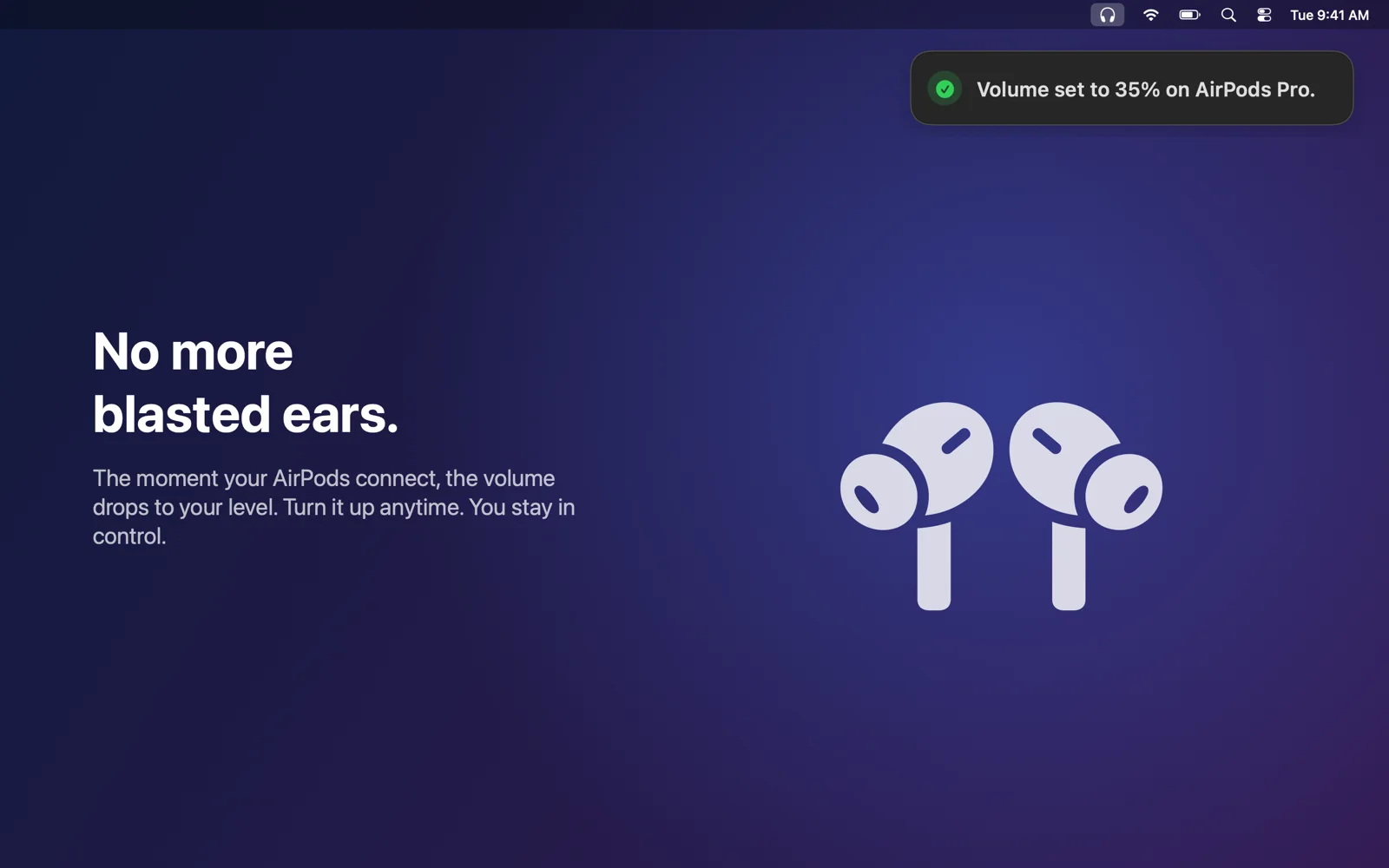
QuietConnect is a small menu bar app that adds the setting macOS is missing: a starting volume for headphones. Pick a comfortable level once. Every time AirPods or other headphones become your sound output, it sets that level in about 0.3 seconds, usually before you press play. Turn it up whenever you like. The next connection starts at your level again.
- 1Pick your level onceChoose a starting volume in the menu bar. It is 35% until you change it, and anything from 80% up asks you to confirm.
- 2Connect your AirPods as usualQuietConnect sets your level the moment they become the sound output, and a small banner confirms it.
- 3Turn it up whenever you likeIt only picks the starting point. Your volume keys work as usual, in both directions.