
Why there is no built-in setting
Sound settings have a single Output volume slider, and it belongs to whichever output is selected. There is no field for the level headphones should start at, so the starting point is simply the last level you used. The guide to volume that keeps resetting explains why.
- Every adjustment moves the starting point. Turn the AirPods up once, and that becomes their level for the next connection.
- Switching devices does not carry the volume over. Your iPhone and your Mac each keep their own level for the same AirPods.
- Manual fixes wear off. A level you set by hand only lasts until the next time you touch the volume.
Option 1: a Shortcuts automation
macOS Tahoe 26 brought automations to Shortcuts on the Mac. This one sets the volume each time your AirPods connect over Bluetooth.
- 1
Create a new automation
Where: Shortcuts, Automation, New Automation
Open Shortcuts, select Automation in the sidebar, and start a new automation.
- 2
Choose the Bluetooth trigger
Where: Bluetooth, Is Connected
Pick your AirPods as the device. Choosing any Bluetooth device would also run it for keyboards, mice, and speakers.
- 3
Let it run on its own
Where: Run Immediately
Choose Run Immediately so it does not wait for you to confirm. You can also turn off Notify When Run.
- 4
Add a Set Volume action
Where: Set Volume
Set the level you want, for example 35%. If the volume sometimes lands on your speakers instead, add a short Wait action before it, so the sound has moved to the AirPods first.
Option 2: QuietConnect
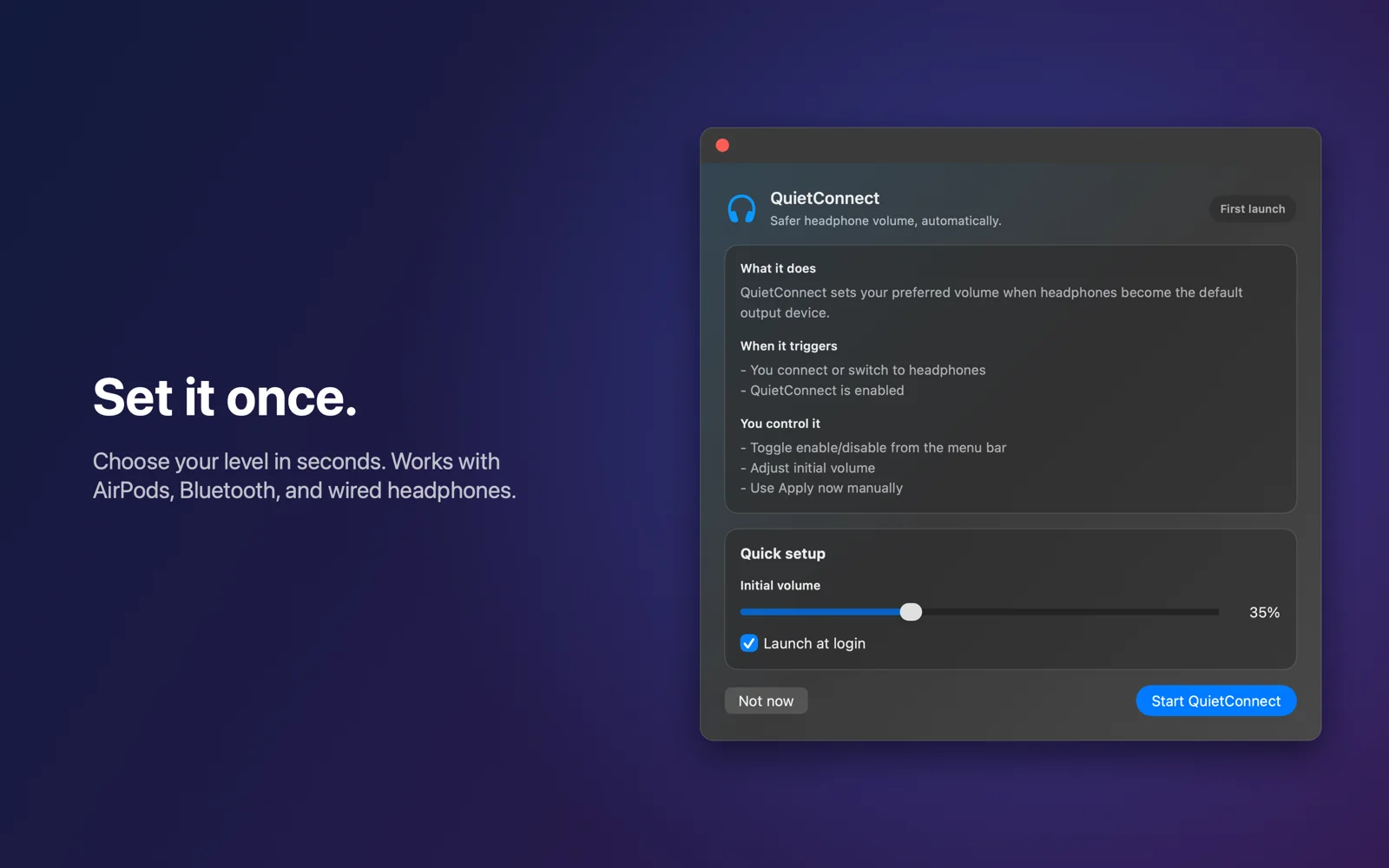
QuietConnect is a menu bar app that does the same job with nothing to build or maintain. It reacts when headphones become the sound output, not only when a Bluetooth device connects, so it also covers wired headphones and switching to a pair that is already connected. It runs on macOS 14 Sonoma and later.
- 1Pick your level onceChoose a starting volume in the welcome window or the menu. It is 35% until you change it.
- 2Connect your AirPodsQuietConnect sets your level in about 0.3 seconds and shows a small banner, which you can turn off.
- 3Leave it runningTurn on Launch at login during setup, and it works quietly from the menu bar.
Shortcuts or QuietConnect?
Both set a starting volume. They differ in what they react to and where they run.
| Compared | Shortcuts automation | QuietConnect |
|---|---|---|
| Runs on | macOS Tahoe 26 and later | macOS 14 Sonoma and later |
| Reacts to | A Bluetooth device connecting | Headphones becoming the sound output |
| Wired headphones | Not covered | Covered |
| Switching to a pair that is already connected | Not covered | Covered |
| Several pairs | One automation per pair, or any Bluetooth device | One level for all headphones |
| Confirmation | Optional notification | Optional banner |
| Price | Free, built into macOS | Free for 7 days, then $4.99 once |